PSO Autopilot (Core) for UE5
A downloadable tool

A fully featured version
PSO Autopilot (Core)
A Solution to Unreal Engine 5 OOM Crashes
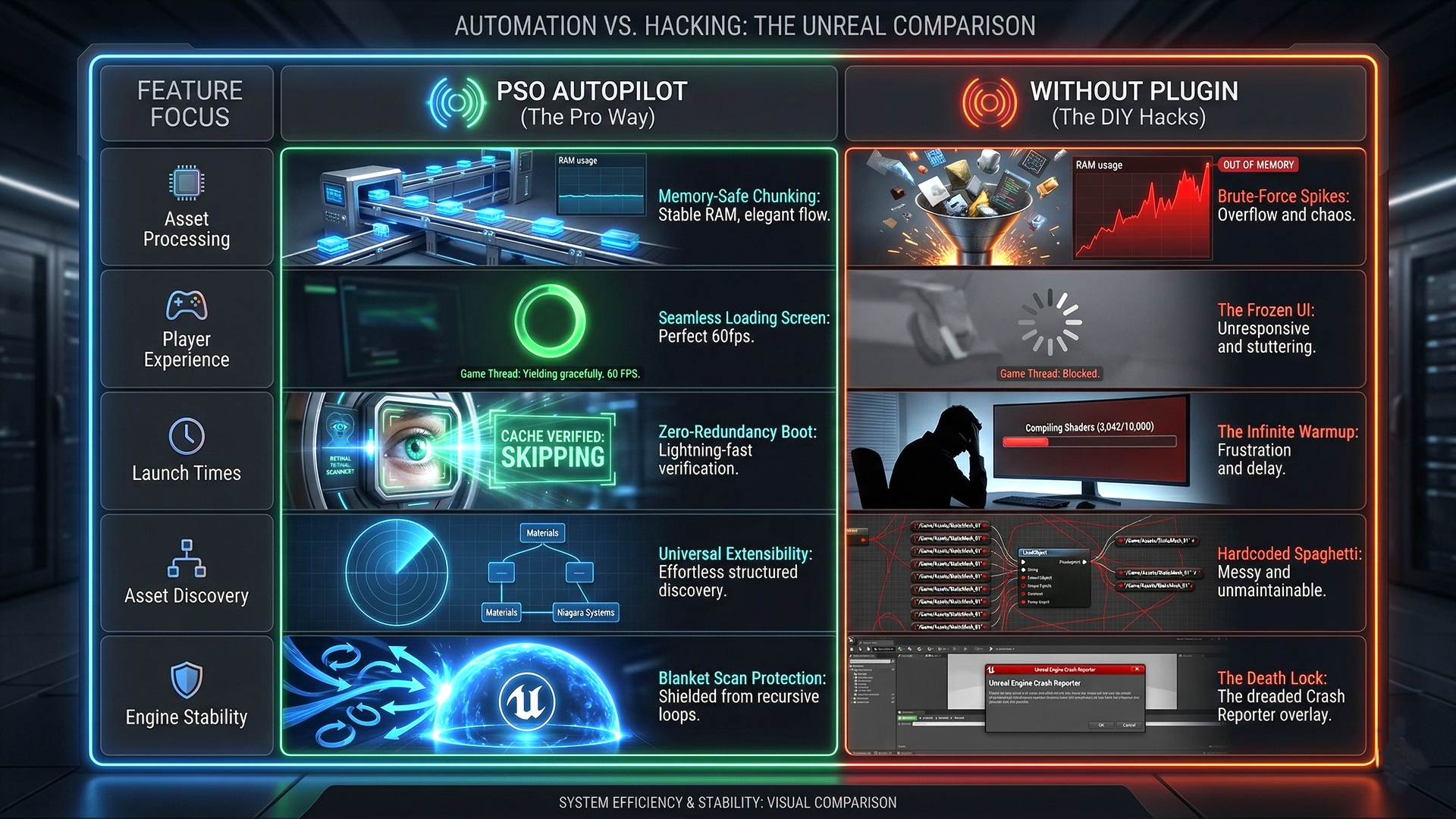
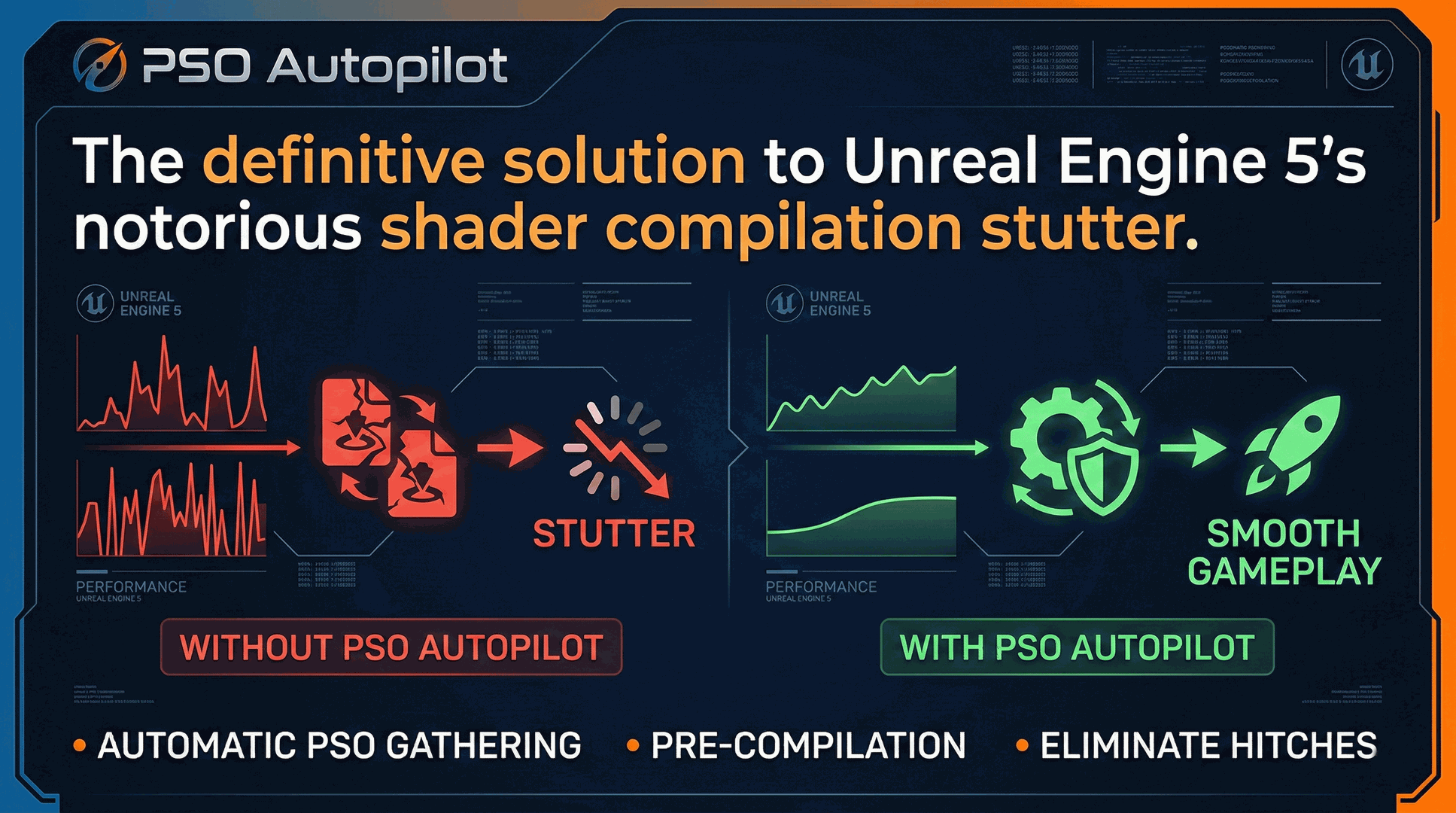
The "Shader Compilation" plugins on assorted marketplaces brute-force load all of your assets at once. If you have a massive 50GB project, this will cause your RAM to spike, your loading screen to freeze entirely, and eventually result in an Out-Of-Memory (OOM) crash.
PSO Autopilot aims to fix this.
The Core Feature: Memory-Safe Chunking
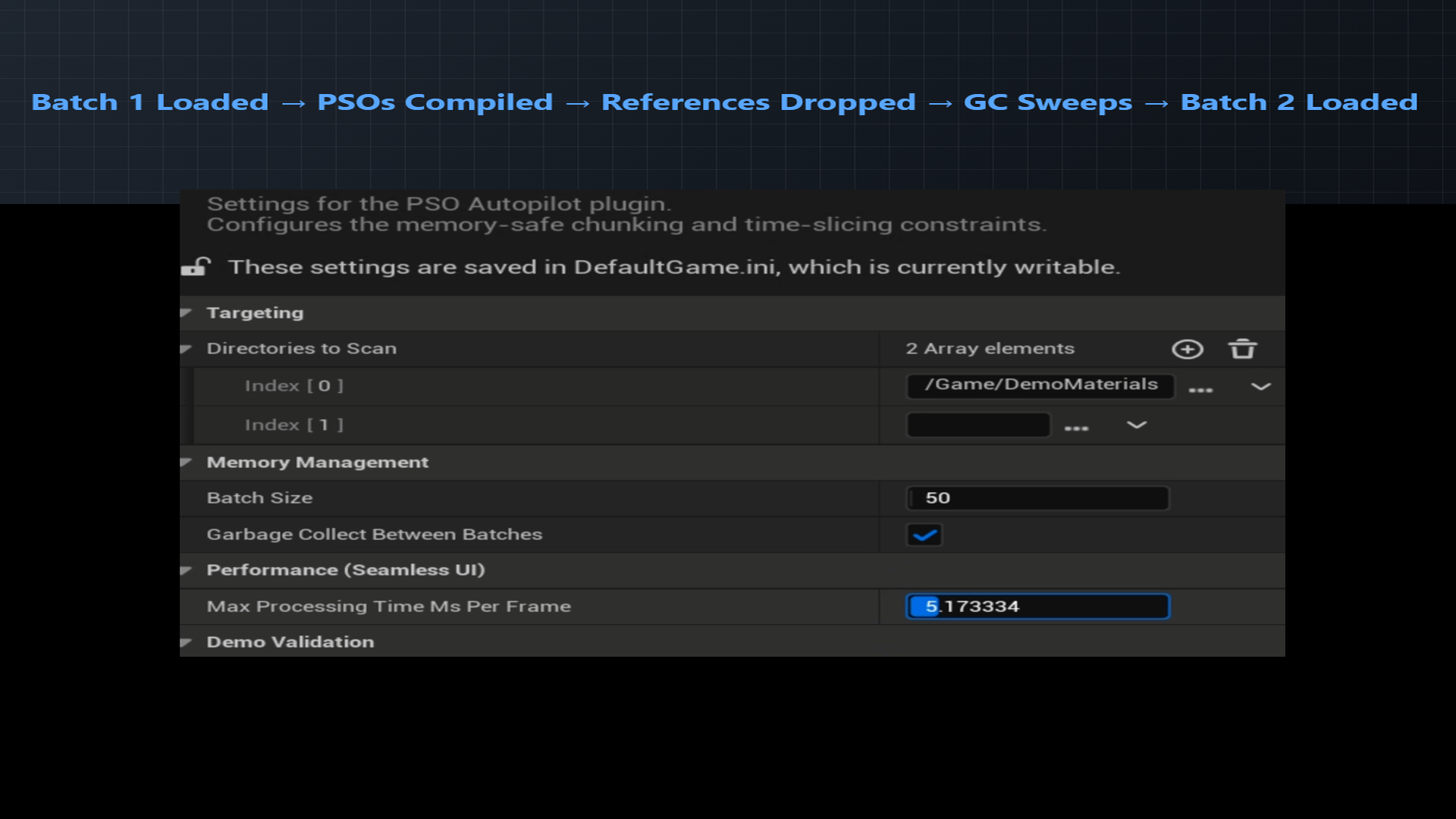
Instead of loading thousands of materials simultaneously, PSO Autopilot Core uses the FStreamableManager to asynchronously stream your Materials in controlled batches (e.g., 100 at a time). After a batch is compiled via the Engine's native FShaderPipelineCache, the plugin explicitly drops references and yields to Unreal's asynchronous Garbage Collection. Your RAM footprint remains completely flat, making this tool safe for massive open-world projects.
A detailed manual is available at: https://gregorigin.com/PSOAutopilot/ A Pro version is available at Fab. It includes important additional functionality: Time-Sliced Game Thread Yielding, Smart Cache Skipping, Engine PSO Pacing. If you are releasing a commercial game and want a truly seamless player experience, you probably want the Pro version.
| Comparison | Core GitHub version (0.1+ MIT) | Pro FAB edition (0.3+ Closed) |
|---|---|---|
| Version | Core | Fully featured + updated |
| Distribution | Source only | Binaries, vetted by Epic |
| Engine support | UE 5.7.0 | UE 5.6 - 5.7.3+ |
| Memory-Safe Chunking | Included | Included |
| Mitigation of Out-Of-Memory of crashes | Included | Included |
| Loading Screen drops to milliseconds | Included | Included |
| Time-Sliced Game Thread Yielding | n/a | Included |
| Smart Cache Skipping | n/a | Included |
| Engine PSO Pacing | n/a | Included |
| Niagara systems support | n/a | Included |
| Zero-Redundancy Boot | n/a | Included |
| 3-level Torture Test Demo | n/a | Included |
| Updates | n/a | Regular, vetted by Epic |
| Quality Assurance | GitHub Issues | Vetted by Epic, tested by author |
| Support | GitHub Issues | Forum & Email |
How to Use
- Copy the PSOAutopilotCore folder into your project's Plugins folder.
- Regenerate Visual Studio files and compile.
- Open Unreal Engine. Go to Edit > Project Settings > PSO Autopilot Core. Set your target directories and batch sizes.
- In your Loading Screen UI Blueprint, call Get Game Instance Subsystem -> PSO Autopilot Core Subsystem.
- Bind an event to On Progress Updated to drive your loading bar.
- Call Start Warmup.
Code by Andras Gregori. MIT License.
Download
Click download now to get access to the following files:

Leave a comment
Log in with itch.io to leave a comment.